Install guide · Apple TV
Install eKoPlayer on Apple TV
eKoPlayer is a media player for the playlist you already have. On Apple TV it comes from the App Store and takes about two minutes with the Siri Remote. Any Apple TV 4K or Apple TV HD on tvOS 17 or later.
Step by step
-
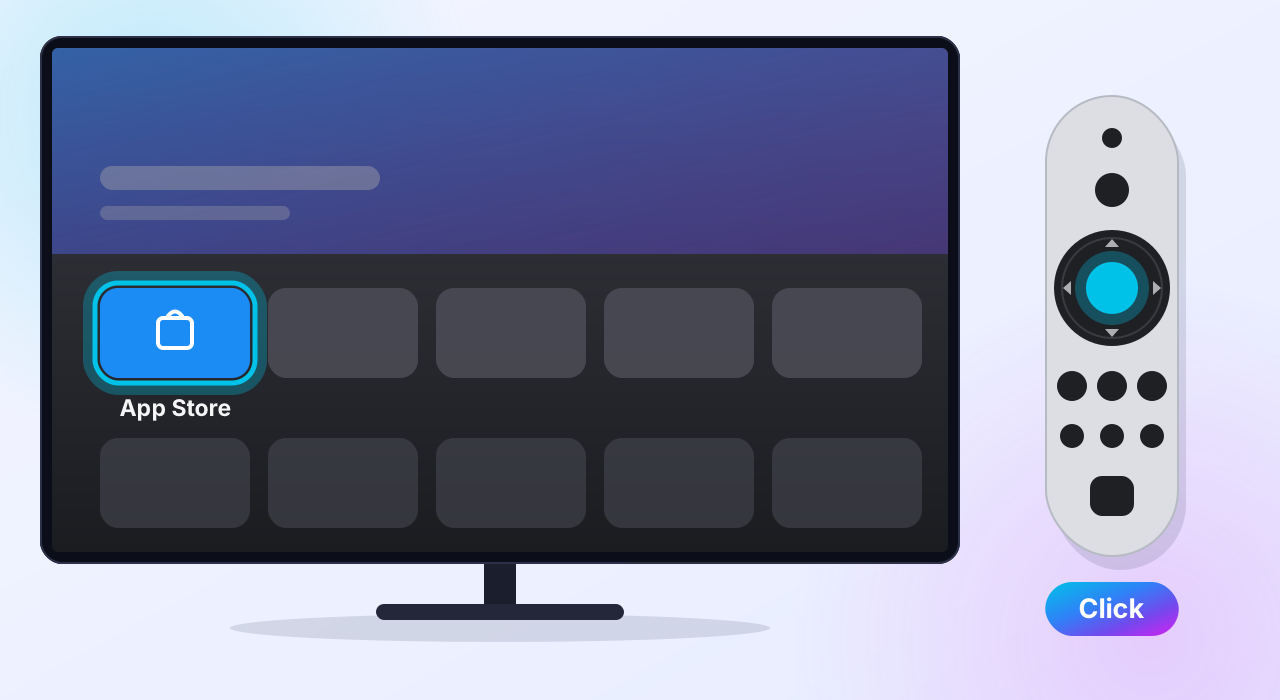
Open the App Store
On the Home screen, select App Store — the blue icon.
-
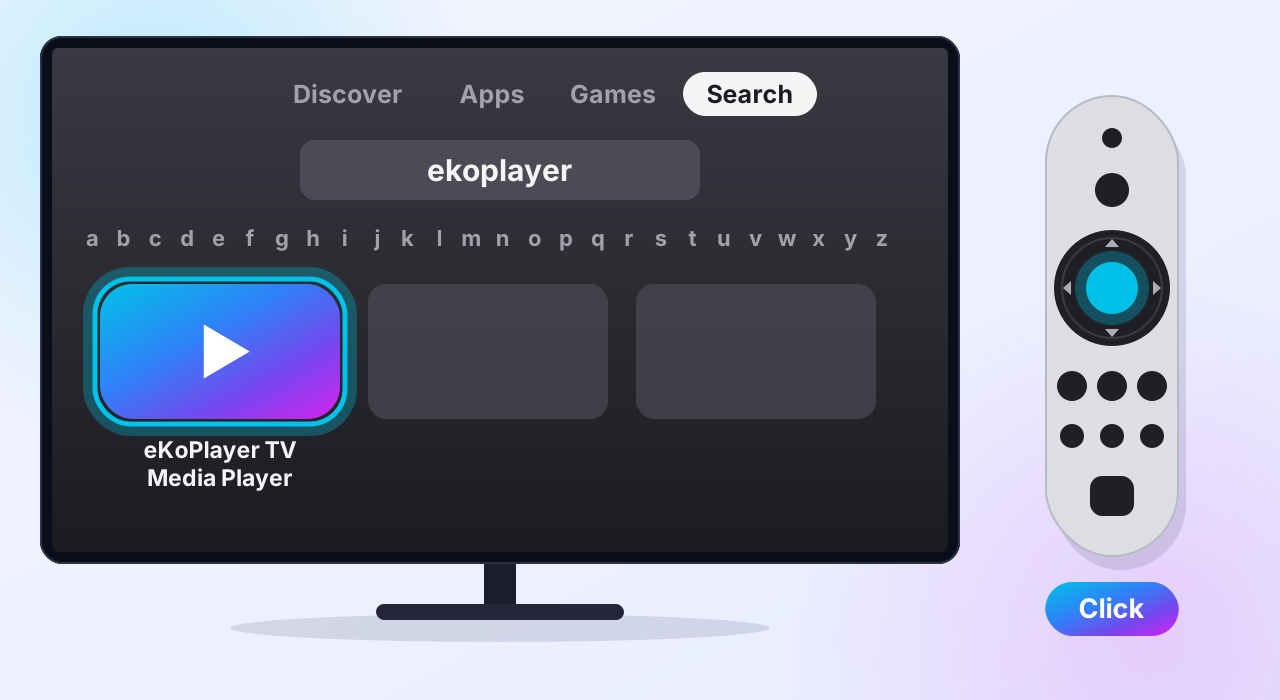
Search for eKoPlayer
Go to Search at the top and type ekoplayer — or hold the Siri button and say it. Select eKoPlayer TV Media Player.
-
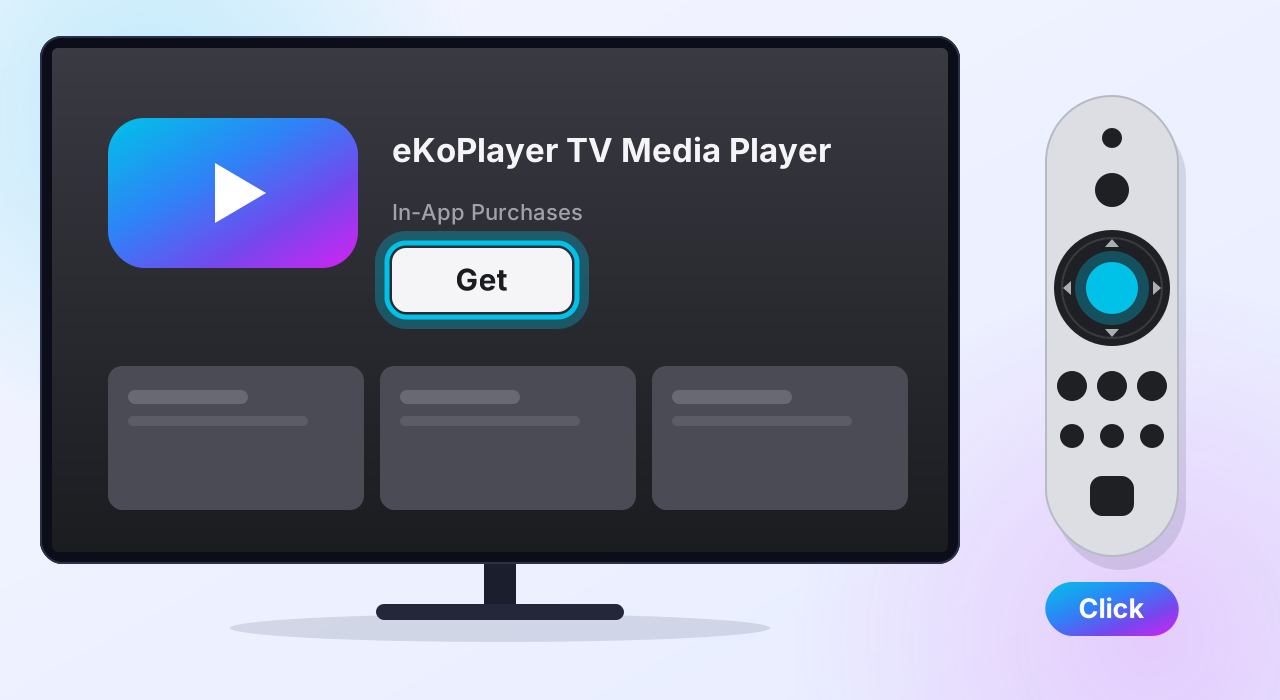
Get it
Select Get. If your Apple TV asks, confirm with your Apple Account. Getting the app is free: a free trial comes first, and the licence is bought later, inside the app.
-
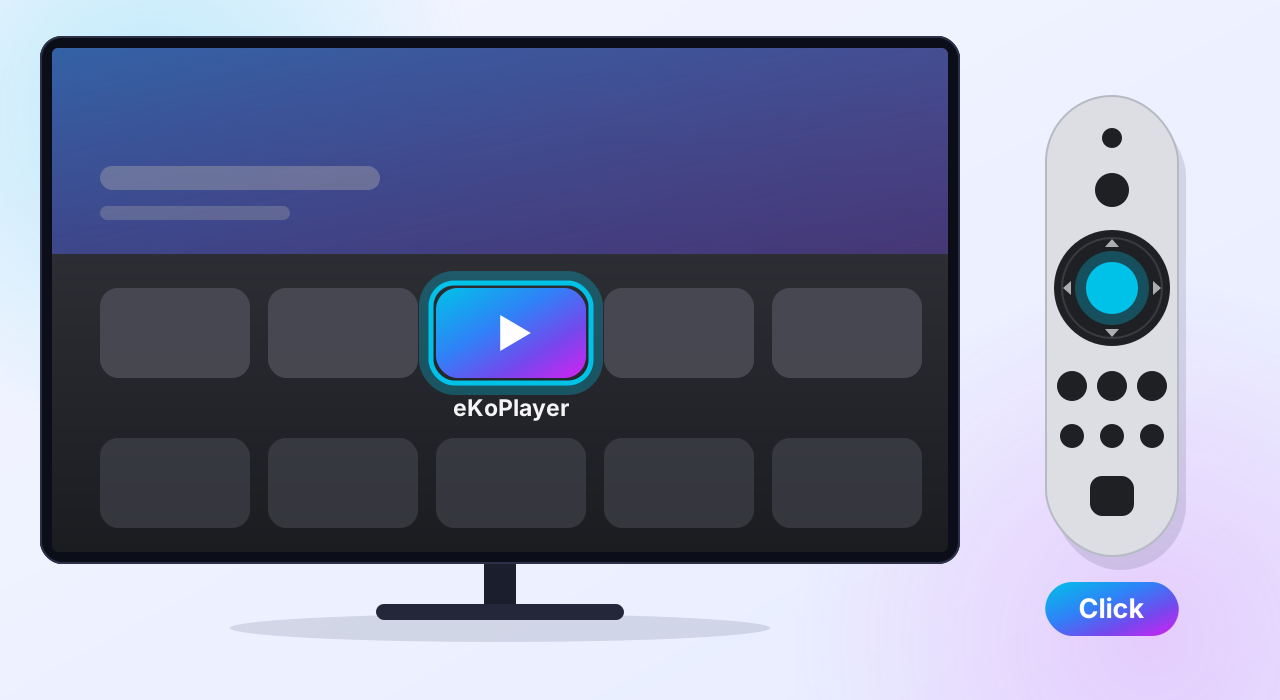
Open eKoPlayer
Select Open. From now on, eKoPlayer is on your Home screen.
Next: add your playlist
eKoPlayer opens empty on purpose — it comes with no channels and no films. Point it at the source you already have: an M3U address or your Xtream login. The setup guides walk through both.
If something goes wrong
eKoPlayer is not in the App Store
eKoPlayer needs tvOS 17 or later. Check under Settings → General → About, and update under Settings → System → Software Updates.
Something else
Support answers the common problems, and reaches a person.
Please read
This app does not provide or include any media content. Users must add their own content from authorized sources. This app has no affiliation with any third-party provider. This app is intended solely for streaming media the user has legal access to.