Install guide · Fire TV
Install eKoPlayer on Fire TV
eKoPlayer is a media player for the playlist you already have. On a Fire TV Stick, a Fire TV Cube or a Fire TV television it installs with Amazon's free Downloader app and one code. About five minutes, all with the remote.
Step by step
-
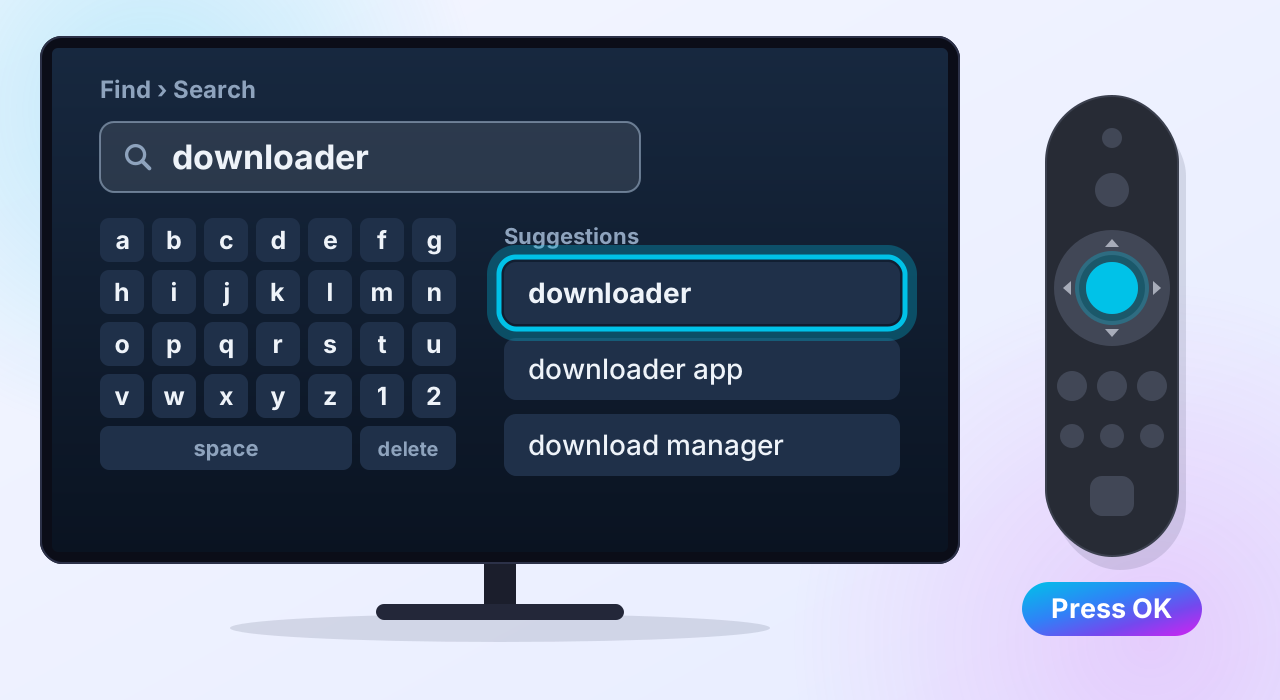
Search for Downloader
On the Home screen, go to Find — the magnifying glass — then Search. Type downloader and pick it from the suggestions.
-
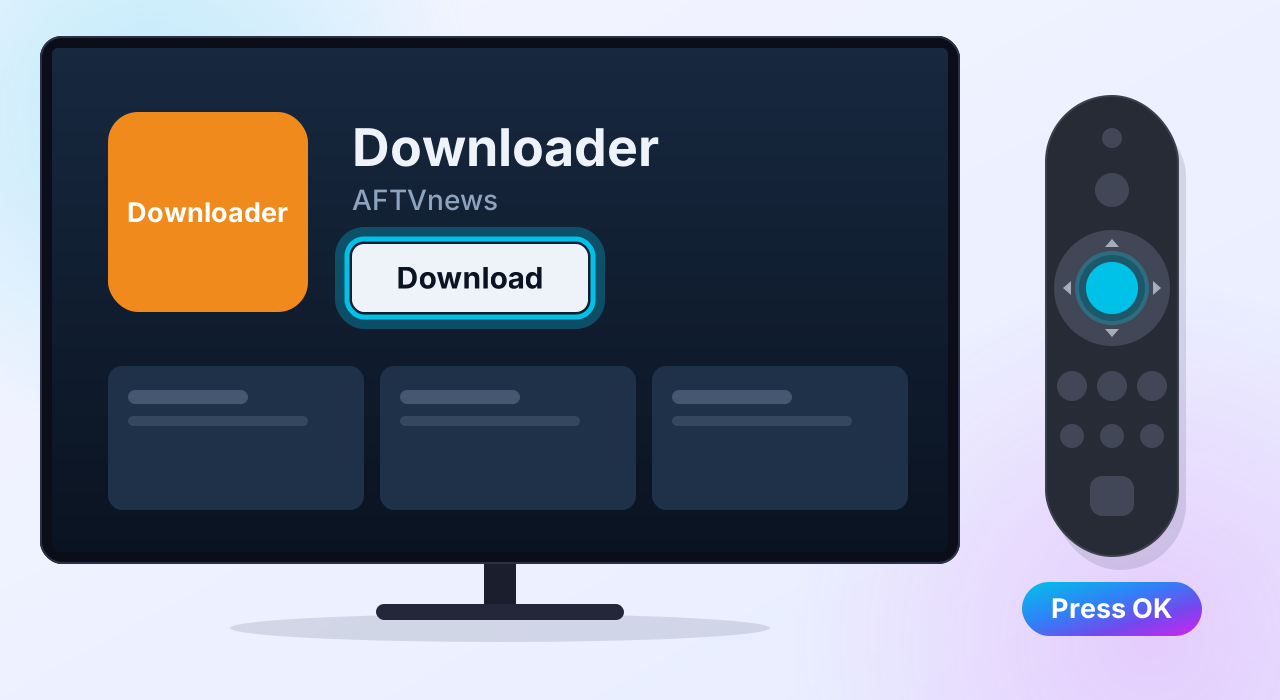
Download it
Select Downloader — the orange app by AFTVnews — then Download (on some Fire TVs the button says Get). It is free.
-
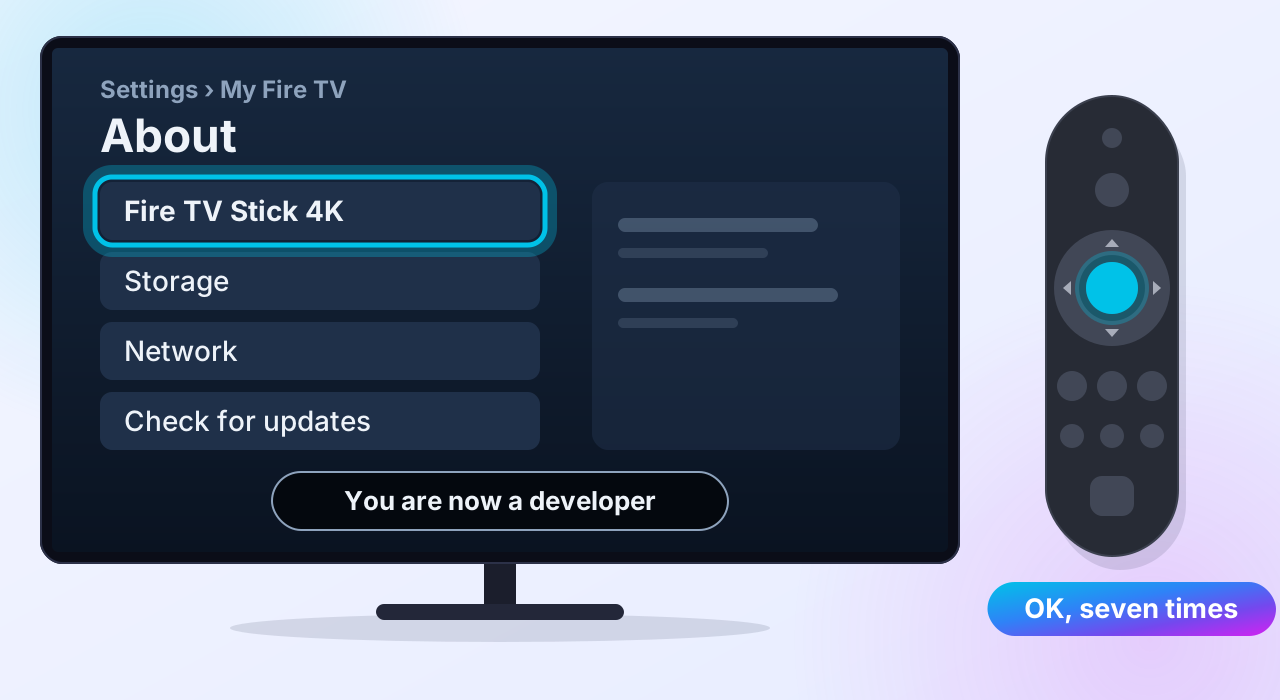
Turn on Developer Options
Go to Settings → My Fire TV → About. Your Fire TV's name is at the top, for example Fire TV Stick 4K. Select it and press OK seven times, until it says you are a developer.
Already see Developer Options under My Fire TV? Skip this step.
-
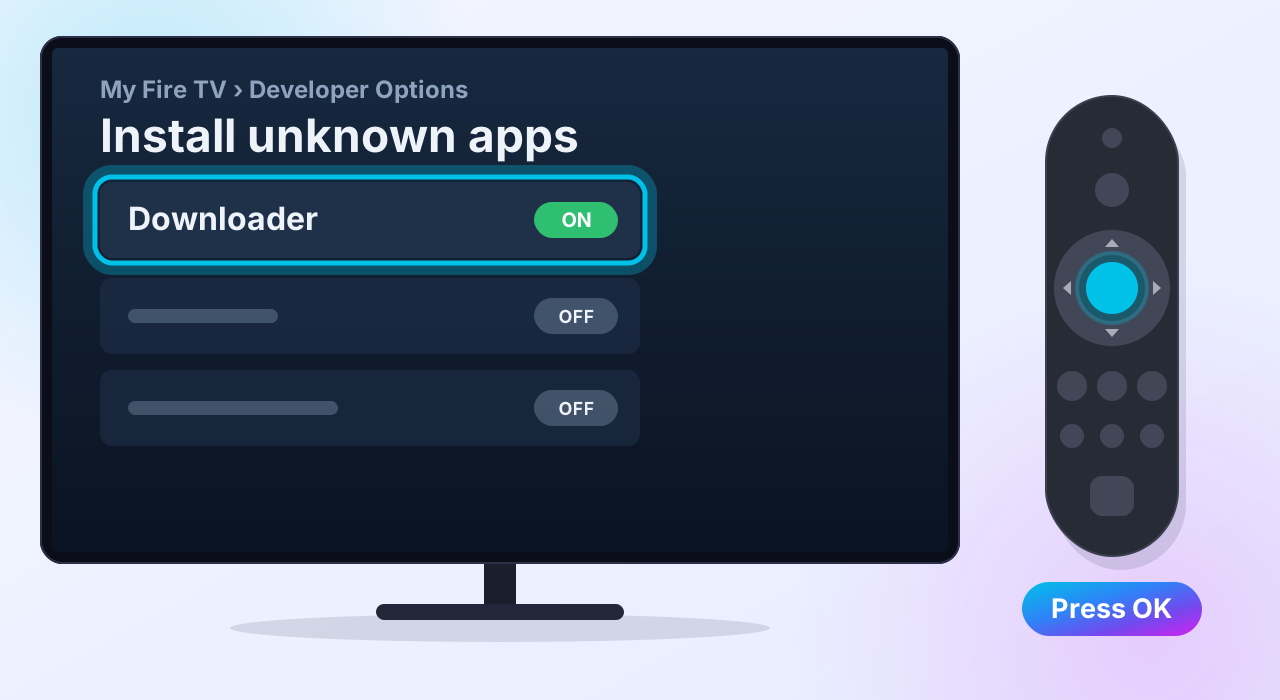
Let Downloader install apps
Press Back once, then open Developer Options → Install unknown apps and switch Downloader to ON.
Older Fire TVs call this Apps from Unknown Sources. Turn it on.
-
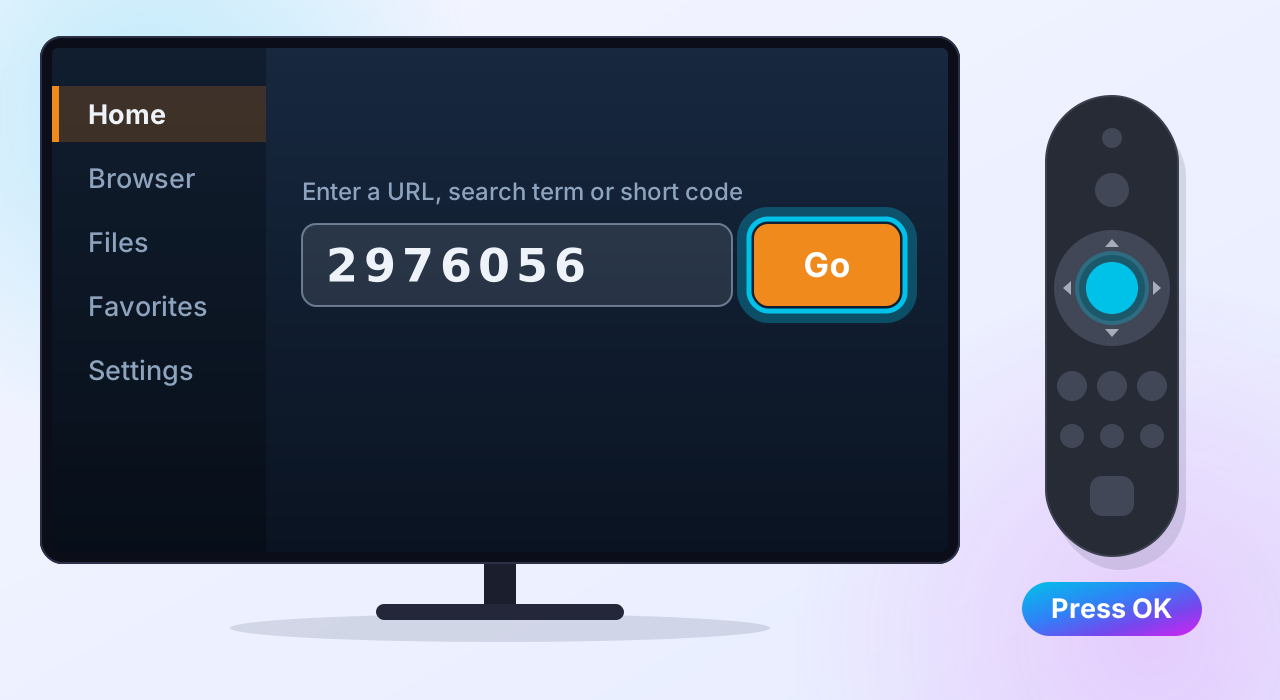
Type the code 2976056
Open Downloader. If it asks for access to your files, choose Allow. Select the address box, type
2976056, then select Go. -
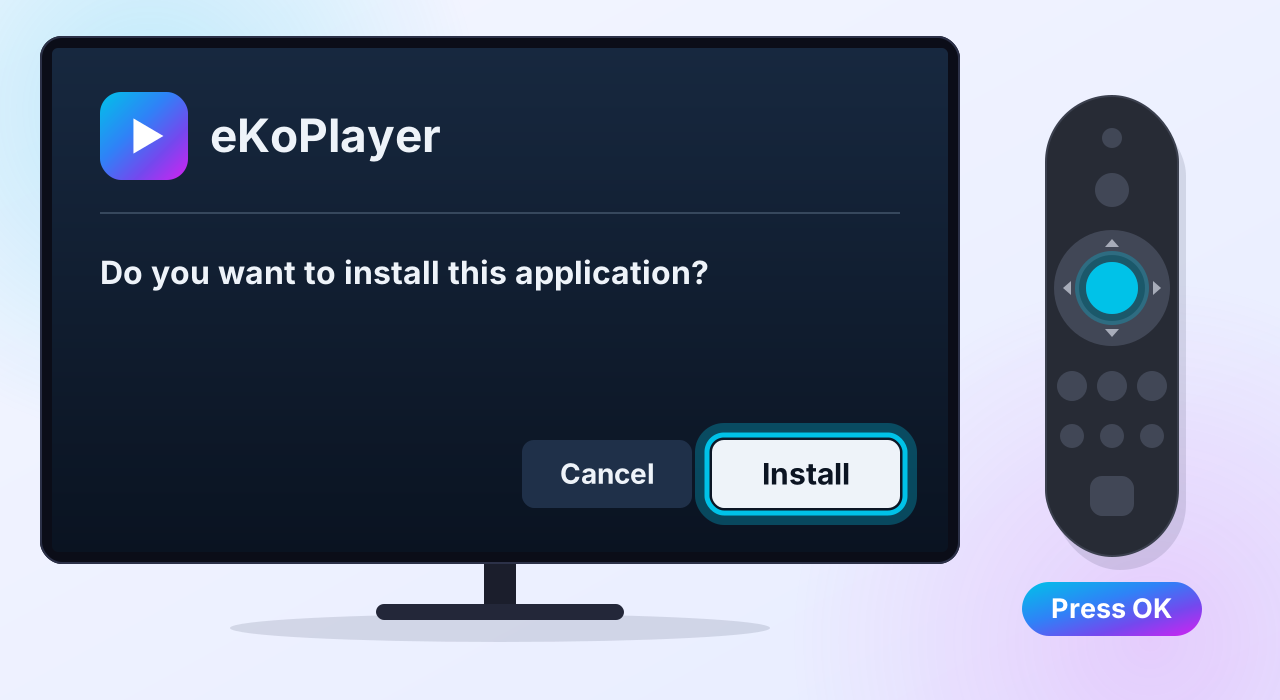
Install
Downloader fetches eKoPlayer from ekoplayer.com. When your Fire TV asks whether to install it, select Install.
-
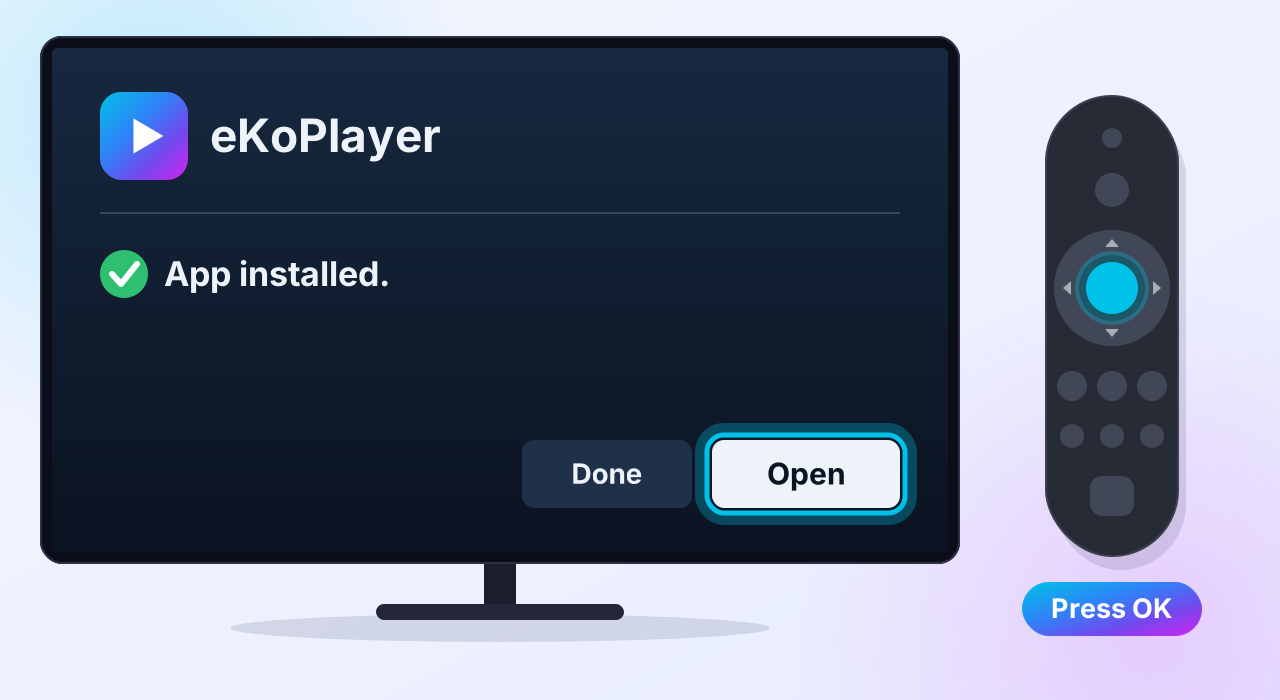
Open it
Select Open. Later, Downloader offers to delete the file it downloaded — choose Delete to free up space. eKoPlayer stays installed.
-
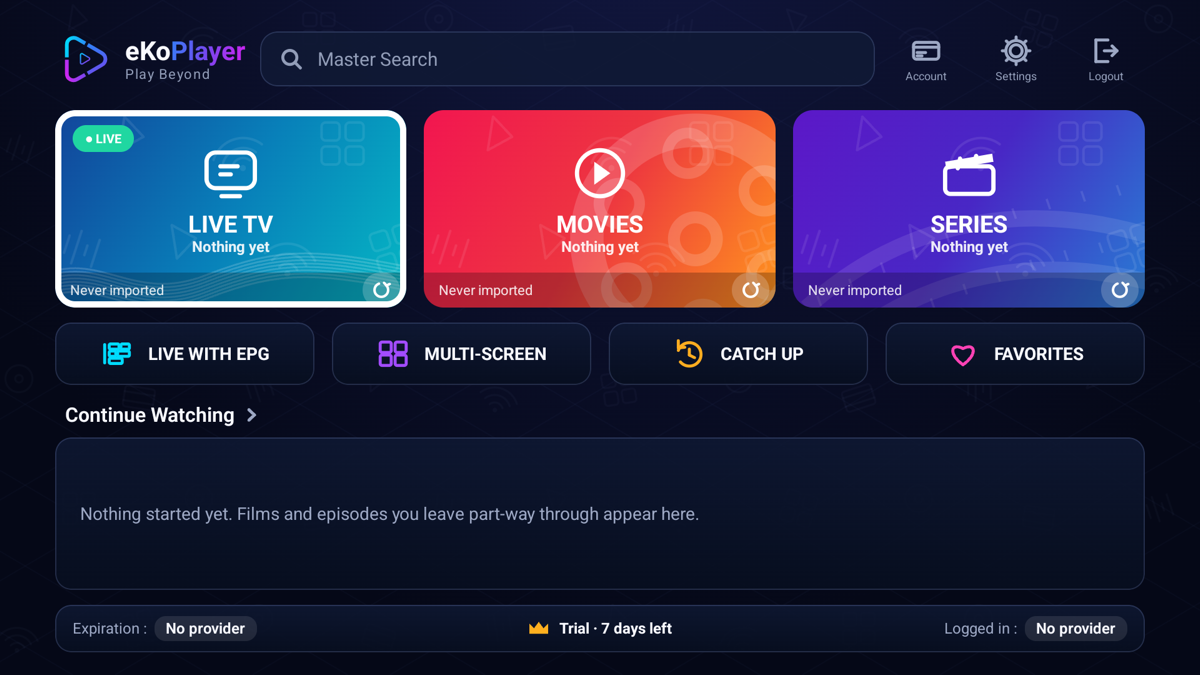
You are in
This is eKoPlayer's first screen, and it is empty on purpose: the app comes with no channels and no films. Your free seven-day trial has started — you can see it along the bottom.
Next: add your playlist
Point eKoPlayer at the source you already have — an M3U address or your Xtream login. The setup guides walk through both.
When the trial ends
This is the sideloaded version, so you activate it on this site. The app shows its Device ID and a QR code that brings it here for you.
Check the file, if you like
The download page prints the checksum of the file Downloader just fetched, and who signed it.
If something goes wrong
Downloader says it cannot find the code
Type the address instead, in the same box: ekoplayer.com/ekoplayer.apk
Fire TV will not let Downloader install it
Step 4 did not stick. Go to Settings → My Fire TV → Developer Options → Install unknown apps and switch Downloader on.
There is no Developer Options menu
Do step 3 again, and press OK on the device name seven times in a row.
Something else
Support answers the common problems, and reaches a person.
Please read
This app does not provide or include any media content. Users must add their own content from authorized sources. This app has no affiliation with any third-party provider. This app is intended solely for streaming media the user has legal access to.