Install guide · Samsung
Install eKoPlayer on a Samsung TV
eKoPlayer is a media player for the playlist you already have. On a Samsung it installs on the television itself — no box, no stick, nothing plugged in. About five minutes.
Step by step
-
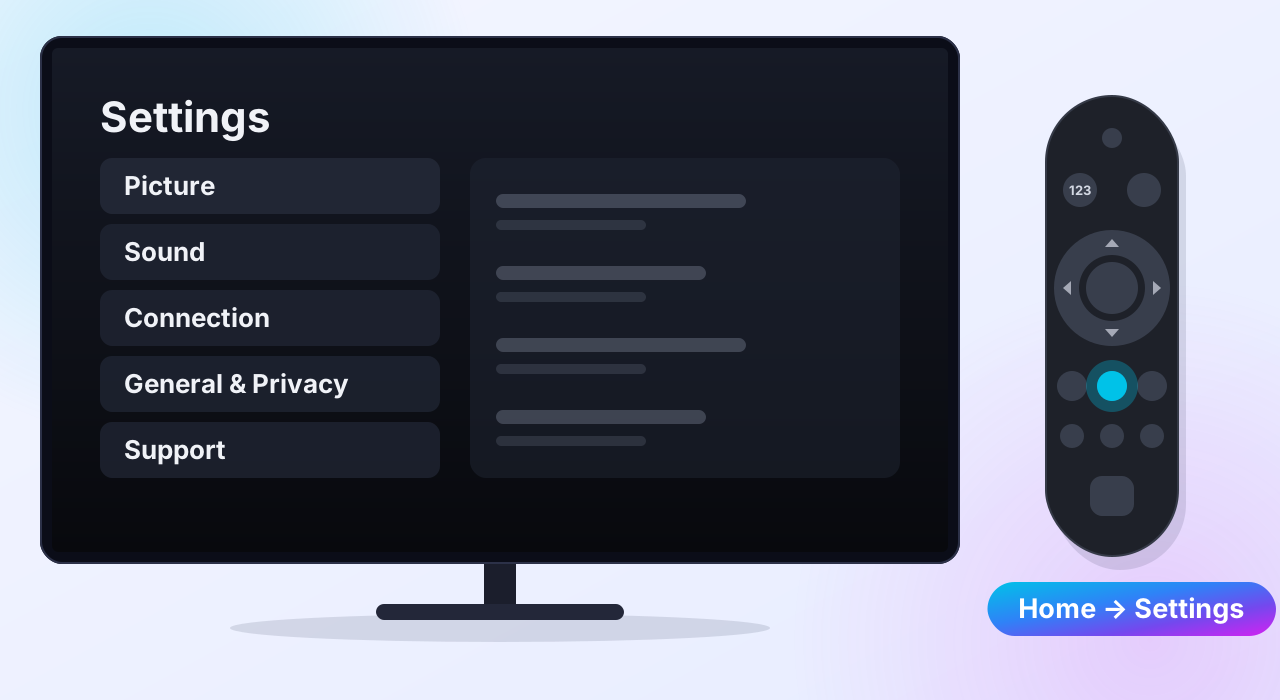
Open Settings
Press Home on the remote, open Settings and choose All Settings. On 2022 and newer sets, Settings is in the Menu on the left of the Home screen.
-
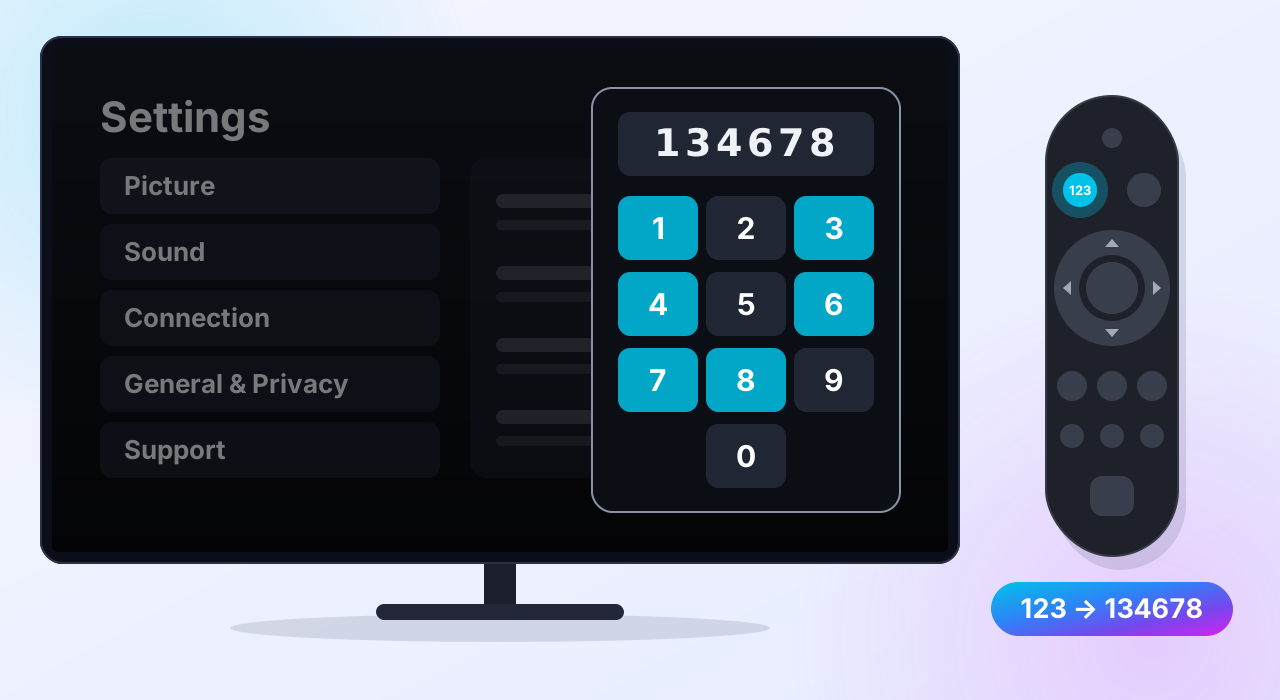
Type 134678
With Settings on screen, press 1 3 4 6 7 8. No number buttons on your remote? Press 123 and type the numbers on the pad that appears. A box opens asking for a code.
-
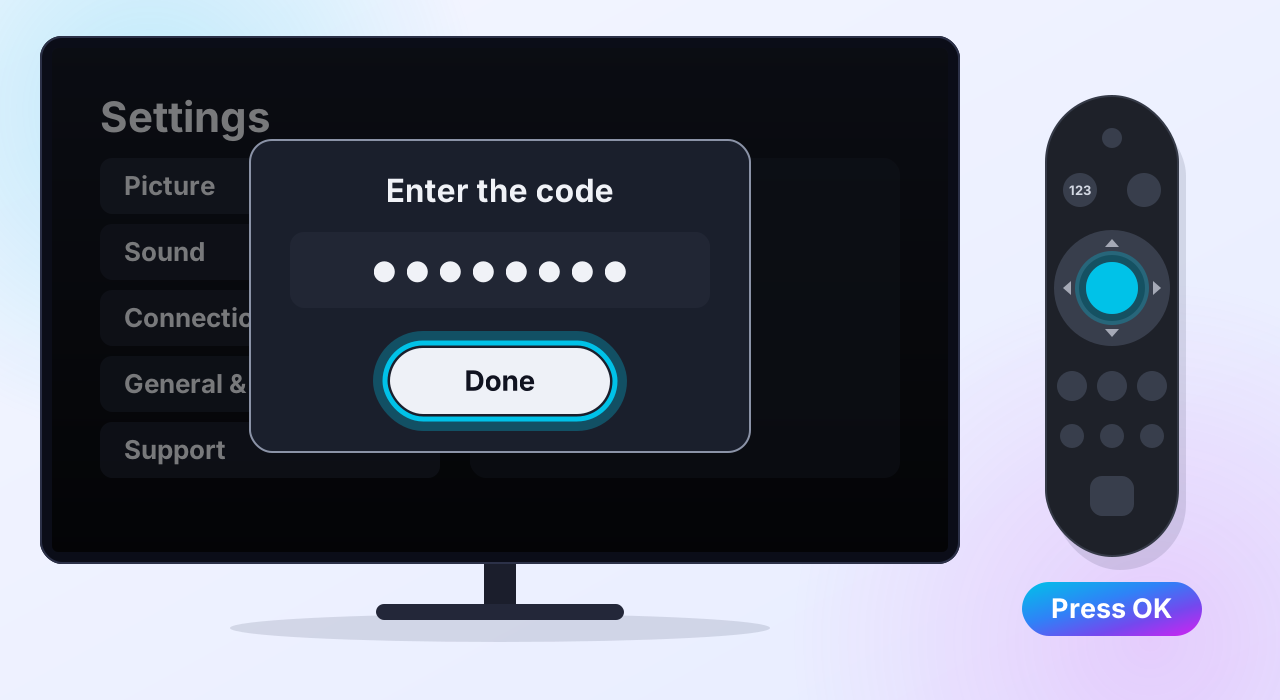
Enter your install code
Type the first of the two codes we sent you — the Samsung install code — and select Done.
-
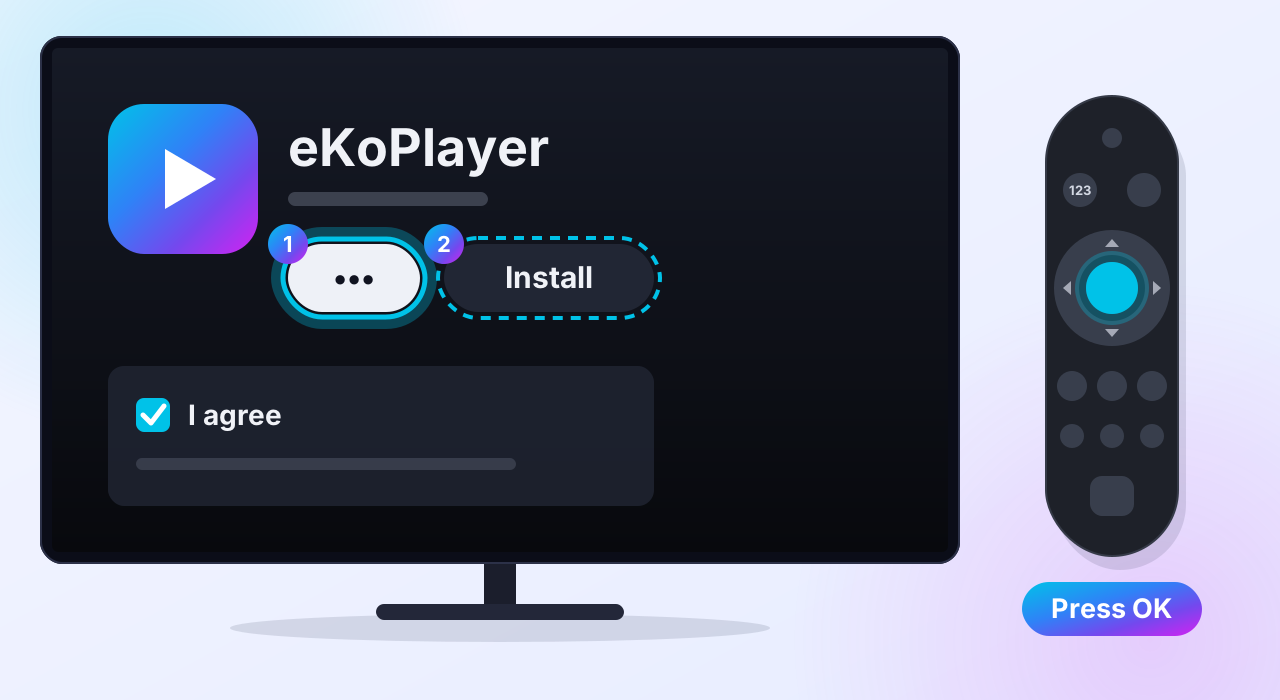
Agree, then install
Select ••• to read Samsung's terms for apps that are not in its store yet, and agree. Install then lights up: select it.
The television downloads eKoPlayer from Samsung, not from us. Nothing is unlocked and no setting is changed.
-
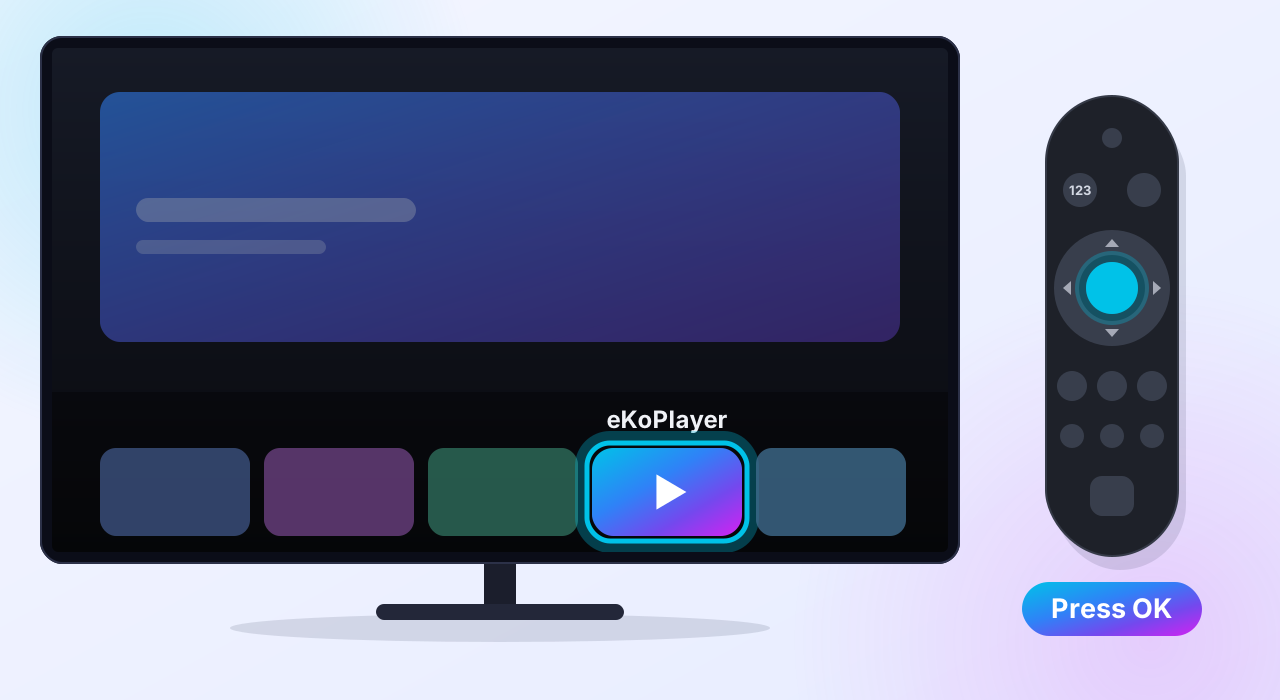
Open eKoPlayer
Find eKoPlayer in your apps and open it. To activate, go to Settings → eKoPlayer account in the app and enter the second code we sent you.
Samsung from 2018 to 2020
Older sets cannot take an install code, so a person helps. It takes a few days rather than a few minutes.
-
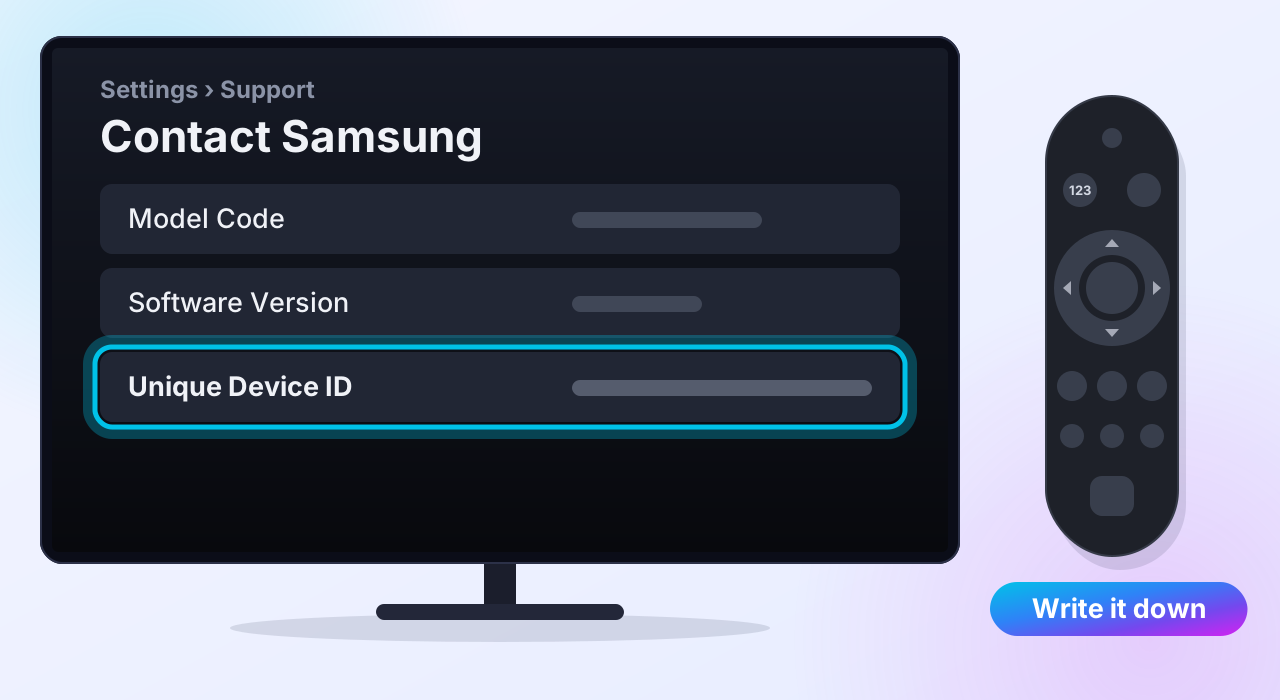
Send us your TV's Unique Device ID
Go to Settings → Support → Contact Samsung and write down the Unique Device ID — a long string of letters and numbers. Email it to support@ekoplayer.com with your order.
We build a copy of eKoPlayer for your television and send it with the steps. Installing it needs a computer on the same network as the TV, once.
Next: add your playlist
eKoPlayer opens empty on purpose — it comes with no channels and no films. Point it at the source you already have. The setup guides walk through it.
Please read
This app does not provide or include any media content. Users must add their own content from authorized sources. This app has no affiliation with any third-party provider. This app is intended solely for streaming media the user has legal access to.